Software

Choose your workspace.

Run code, work with data or organise your files. Open a workspace below, or find a tool for a specific task.

Version and review preparationRelease 1.0

Software Acceptance Package

Prepare a versioned software acceptance packet for a separate reviewer.

  • Acceptance criteria
  • Evidence mapping
  • Reproduction steps
Open Software Acceptance Package

Download the JSON packet to keep it; reload clears the working copy.

Saving & application details
What you get
A versioned JSON acceptance packet with aligned checks and a visible review boundary.
Keep your work
Download the JSON packet to keep it. Until then, the working copy exists only on this page and is cleared by reload.
Execution model
Browser-local review preparation

A complete packet is ready for a separate reviewer; it does not establish user acceptance, deployment, production approval or independent assessment.
Dedicated service runtimes

Bitcoin Core Node Service

Inspect Bitcoin node telemetry and the available management and execution controls.

  • Node telemetry
  • Service controls
Open Bitcoin Core Node Service

Keep observations separately; node availability comes from the connected service.

Saving & application details
What you get
A telemetry view showing reported node state and connection availability.
Keep your work
Record the observation you need separately. This is a service view; opening it does not save a node backup.
Execution model
Service-connected

Node observations require a responding native service binding. An open page is not a connected node.

Browser files and workstation

SERVERspace file & workstation environment

Also available as KEDDEH Storage.

Manage files in the SERVERspace environment. Choose VFS Vault Files to import, organise and reopen your files.

  • File management
  • Vaults
  • Workstation
Open SERVERspace file & workstation environment

Check Local Vault or Cloud Drive, then reopen a saved item.

Saving & application details
What you get
Files organised in the selected vault; the environment also includes workstation and application controls.
Keep your work
Keep the original file independently and reopen the stored item to compare it. A local copy, a cloud record and a managed server backup are different; check the selected destination rather than relying on an inherited status badge.
Execution model
Browser environment with vault and connected-service views

Local Vault and Cloud Drive are distinct destinations. Verify a saved file by reopening it, and retain its original independently. Some inherited cluster, agent and licence labels are static interface text, not live telemetry or proof of a purchased licence.

Browser-local assistant

Keddeh Local Assistant

Search documents, write local text files and inspect bounded runtime operations in your browser.

  • Document search
  • Local text files
Open Keddeh Local Assistant

Export a snapshot to back up your browser workspace.

Saving & application details
What you get
A local workspace with document matches, bounded analysis, operation results and exportable snapshots.
Keep your work
Use the snapshot export control for a separate backup. This browser holds the working copy; clearing site data or using another browser does not carry your workspace with you.
Execution model
Browser-local operations

The included examples and your own workspace stay in this browser. Document retrieval and bounded analysis are local operations; no hosted language model, device-wide file access, external host connection or owner authority is provided. Avoid private records on a shared device.

Contents and claim preparation

ClaimPath

Record rooms, contents and supporting information, then prepare a claim inventory for review.

  • Contents inventory
  • Printable reports
Open ClaimPath

Save on this device; export or print a separate report.

Saving & application details
What you get
A contents record you can review and export as a report.
Keep your work
Use Save on this device, then Export report or Print report / PDF for a separate copy. Nothing is submitted to an insurer automatically.
Execution model
Record preparation

Inspect the application’s data controls. Paid reporting, submission and fulfilment have separate service requirements.

Addressed machine state

KEX Active State

Explore addressed state, operate the application’s controls and inspect the resulting transitions.

  • State controls
  • HTML checkpoints
Open KEX Active State

Download a CHECKPOINT to keep the application state.

Saving & application details
What you get
A view of the state and results produced inside the browser runtime.
Keep your work
Use CHECKPOINT to download an HTML checkpoint. Keep that downloaded file and your original inputs outside the browser workspace.
Execution model
Browser runtime

State controls belong to this application. A represented address does not establish an external machine operation.

Contained services

KEX One

Explore the contained workspace, its own state and the service projections within it.

  • Contained workspace
  • Service views
Open KEX One

Use Save workspace to download a JSON backup.

Saving & application details
What you get
A resident workspace with its own state and service views.
Keep your work
Use Save workspace to download the workspace JSON file. Keep the download; browser-held state can be lost when site data is cleared.
Execution model
Resident workspace

Contained service projections are distinct from external services. Check the workspace’s save and export behaviour.

Browser workstation

Keddeh Systems Hybrid OS

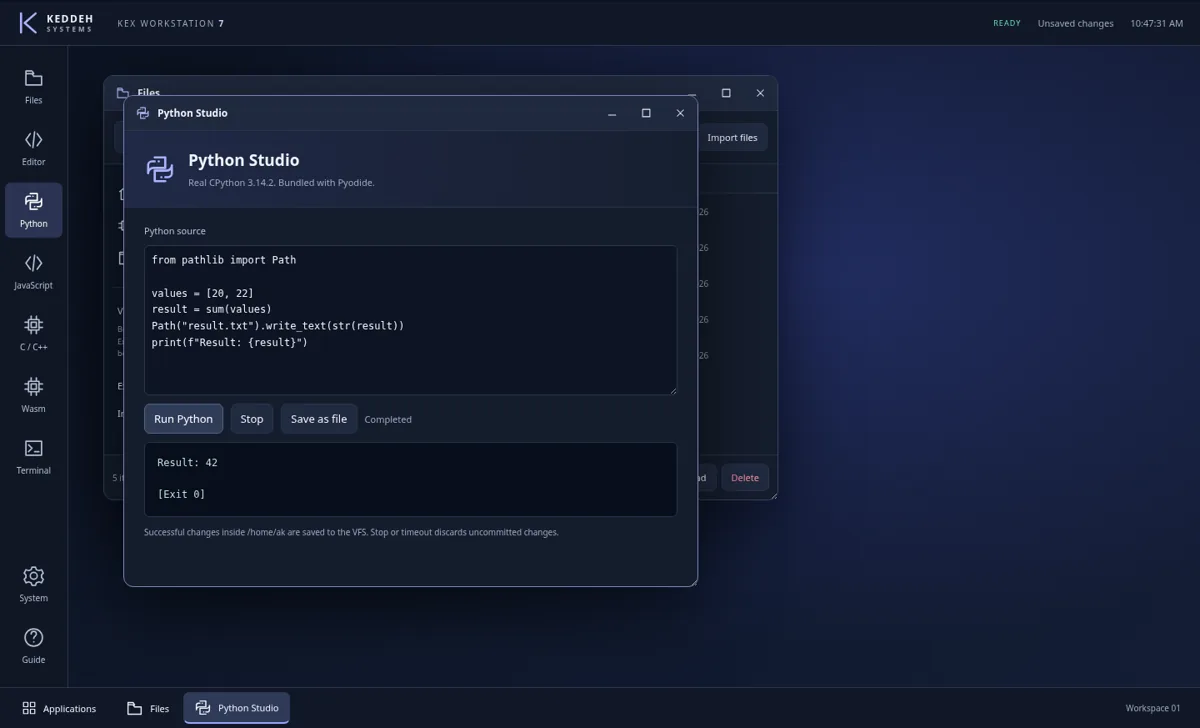
Work with the terminal, editor, virtual files and process views in the Hybrid OS workstation.

  • Terminal
  • Editor
  • Virtual files
Open Keddeh Systems Hybrid OS

Save editor work to the workspace and keep a separate copy.

Saving & application details
What you get
Files and process state within the browser workstation.
Keep your work
The editor has a Save action for its workspace file. Keep a separate copy of important code; a workspace save does not establish a remote backup.
Execution model
Browser workstation

Terminal, IDE and VFS surfaces do not imply external host access. Connected operations require their own authority.

Legal preparation

CasePath

Organise information and supporting records for case preparation and human review.

  • Case preparation
  • Evidence organisation
Open CasePath

Use Save a backup and retain original evidence separately.

Saving & application details
What you get
A preparation record within the public CasePath workflow.
Keep your work
Use Save a backup and keep original evidence separately. Review prepared material before sharing; preparation does not file a case or provide legal advice.
Execution model
Preparation interface

The public preparation surface does not establish legal advice, court filing or an authorised external submission.

Local address-space exploration

BRAINK IL-LLM Sovereign Volume

Explore the sovereign volume, its internal address spaces and traversal state.

  • Address spaces
  • Traversal state
Open BRAINK IL-LLM Sovereign Volume

Use Export Current State to download the state JSON.

Saving & application details
What you get
An explorable representation of the volume and its relationships.
Keep your work
Use Export Current State to download the state JSON file. Keep that file separately; an internal address is not a remote backup.
Execution model
Browser exploration

Internal address-space exploration does not establish remote storage capacity or a distributed deployment.

Earlier source documents

Historical versions for source inspection, not a release ranking. Use the applications above for the current entry points. Downloaded documents run separately; keep their files and saved work together.

KEX Computer

Earlier document-based workbench for state inspection, example programs, virtual files, terminal commands and sequence analysis. The current packaged language workstation is listed above.

Download KEX Computer

Open the earlier KEX Computer workbench