Keep context close.
Give a deployment site-specific knowledge and relevant operating history. A workshop guide and a bed-system guide need different expertise.
Keddeh Systems / Augmented intelligence
A local guide that knows the context. Separate capabilities that own their actions. People who can follow what happened and decide what comes next.
A human-centred architecture and proposed integration, with source-backed software to inspect today.
01 / Start with understanding
IL-LLM (ILLLM) carries local-first meaning and relationships: the terms, equipment and history that make a task understandable. BRAINK augmented learning and governance connect observations to proposed improvements within a defined role.
Give a deployment site-specific knowledge and relevant operating history. A workshop guide and a bed-system guide need different expertise.
Guide, file and equipment agents are separate bounded realities. Each owns its state and permitted interfaces; each evaluates the request it receives.
Adaptation can inform a proposal. Changing identity, tools or authority requires an authorised transition rather than a silent expansion.
02 / A day in the workshop
Follow one proposed repair workflow. Select a stage to see how reported equipment state, a repair job, workstation files and an advisor’s view fit together.
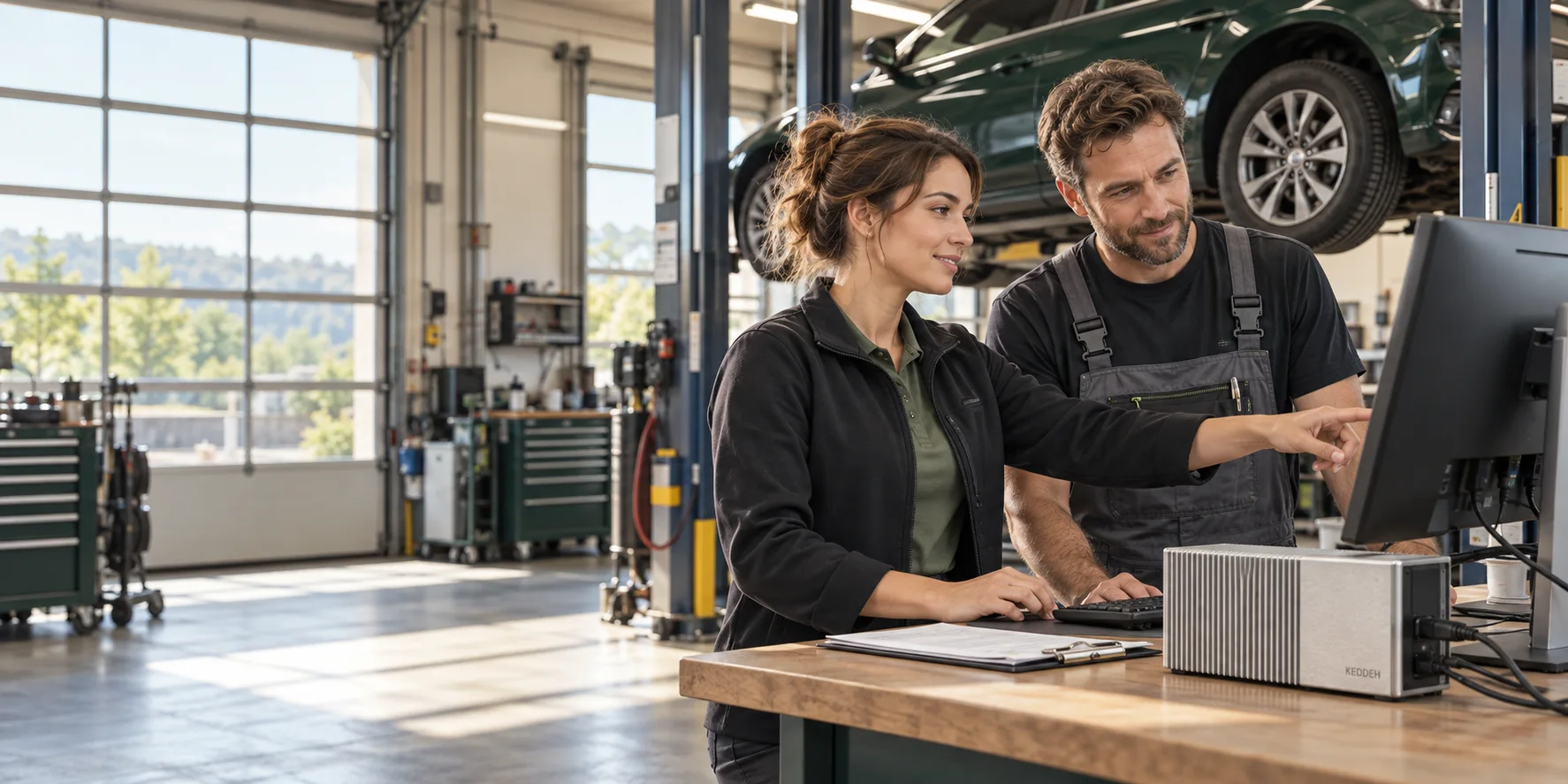
A vehicle is associated with a repair job and bay. A qualified interface can report the hoist’s state, with its source and observation time. The person checks that the reported context belongs to this job.
Reported hoist state is information. It is not permission to move equipment.
The job context relates to the mechanic’s workstation, permitted repair files and retained observations. A local-first guide can explain relevant material and suggest what to inspect, within its available knowledge and interface.
This is an illustrative integration. No trained workshop expert or live workshop-management deployment is claimed.
If a permitted file operation is needed, a scoped request goes to a separate file agent. That agent checks its own identity, state, target and authority. An equipment request belongs to a separately qualified equipment agent and interface.
The guide has no intrinsic file-deletion or equipment-actuation capability. Shared context does not add one.
An authorised advisor or office view receives the relevant job progress and returned result. Retained files and readback support later inspection. A failed or unknown result stays visible instead of becoming a success message.
Each view has a defined audience. Equipment safety controls remain with the qualified equipment system.
These controls change the explanation only. No live hoist control, AI inference, file mutation or telemetry is performed.
03 / Explore the responsibility
Choose a role to inspect its intended capability boundary. There is no permission switch: selecting a role here changes the view, never the authority.
Local guide
A proposal names the job, target, purpose and requested operation. A separate agent evaluates it under its own authority.
File agent
Deletion, when offered by a particular file agent, remains a separately authorised file operation. This explorer grants no permissions.
Equipment agent
Actuation requires a bound, rated interface, the right authority and target-specific qualification. None is connected to this page.
Person & governance
BRAINK augmented learning and governance are the intended approach to keeping adaptation within a role. Drift mitigation must not silently expand identity, tools or authority.
04 / Follow the software
Begin with the actual working surface, then qualify the services and local expertise for the intended deployment. The available website and Studio installations do not establish a deployed AI workshop or physical controller.
Choose the repair job and authorised file space. BRAINK Workstation Studio exposes scoped files, receipts and runtime references. The integration must return the chosen file identity and actual operation result to that job; opening a guide does not bind the runtime.
ServerSpace coordinates admitted execution; StoreSpace retains and builds source-backed objects. A workstation request needs an admitted host, an authorised target and a returned receipt. Reopen the retained result to check that the mechanic and advisor are seeing the same job state.
BRAINK AI is a separately preserved implementation under identity review. The public guide is inspection-only; no native inference or memory backend is activated there.
Vector representations describe quantities and relationships. KEX addresses state; seed, KEX DNA and keys have distinct roles in identity, constraints, encryption and continuity. IL-LLM supplies relational meaning. DNA represents constrained state for intended rehydration and failover, not an executable engine. A reconstructed state still needs an authorised runtime and a verified result. Identity/address changes and cryptographic-key rotation are different operations.
The intended deployment separates web-connected manager workstations from a local machinery plane without a direct internet interface. Scoped handoffs join their work. This is an architecture boundary to implement and qualify, not proof of certified physical air-gapping or universal isolation.
Optional source and availability checks for the roles described above.
Make the next step specific
Define one repair workflow: vehicle and job identity, the equipment observation, files the mechanic needs, who can authorise a handoff, and the result the advisor should see. That is the starting scope for an integration brief.
Opens an editable enquiry for your review. Nothing is sent by selecting this link; no order, licence or equipment permission is granted.